 Albanija
 Argentina
 Australija
 Austrija
 Belgija
 Bosna i Hercegovina
 Brazil
 Bugarska
 Crna Gora
 Danska
 Estonia
 Filipini
 Finska
 Francuska
 Grčka
Grčka
 Hrvatska
 Irska
Irska
 Italija
 Južna Afrika
 Kanada
 Kolumbija
 Letonija
 Litvanija
 Luksemburg
 Mađarska
 Meksiko
 Moldavija
 Nemačka
 Nizozemska
 Norveška
 Novi Zeland
 Poljska
 Portugal
 Rumunija
 Severna Makedonija
 Sjedinjene Američke Države
 Slovačka
 Slovenija
 Srbija
 Turska
 Ujedinjeno Kraljevstvo
 Ukrajina
 Češka
Češka
 Čile
Čile
 Španija
 Švajcarska
 Švedska



Prodaja je završena
Blackmagic Design DaVinci Resolve Speed Editor Video/AV Mixer
Brend: Blackmagic Design
Kod proizvoda: 424022

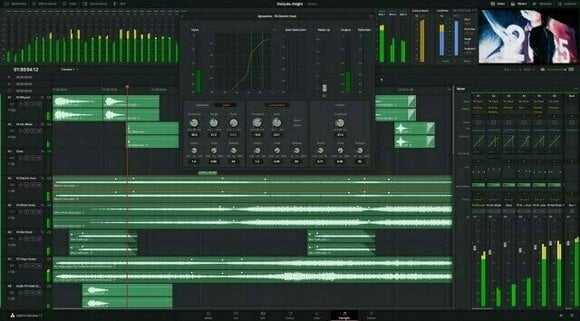
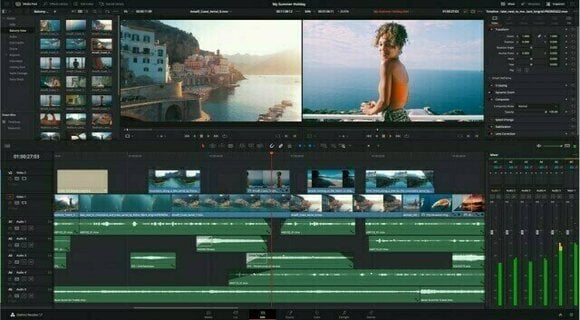
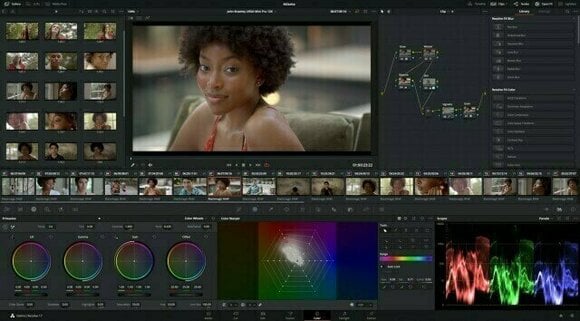
Prodaja je završena
Blackmagic Design DaVinci Resolve Speed Editor Video/AV Mixer
Brend: Blackmagic Design
Kod proizvoda: 424022
Prodaja je završena
Ovaj proizvod se ne proizvodi ili nije deo trenutne ponude.
Preporučujemo da izabereš alternativni proizvod.

Blackmagic Design DaVinci Resolve Speed Editor Video/AV Mixer
Izaberi alternativu (2)
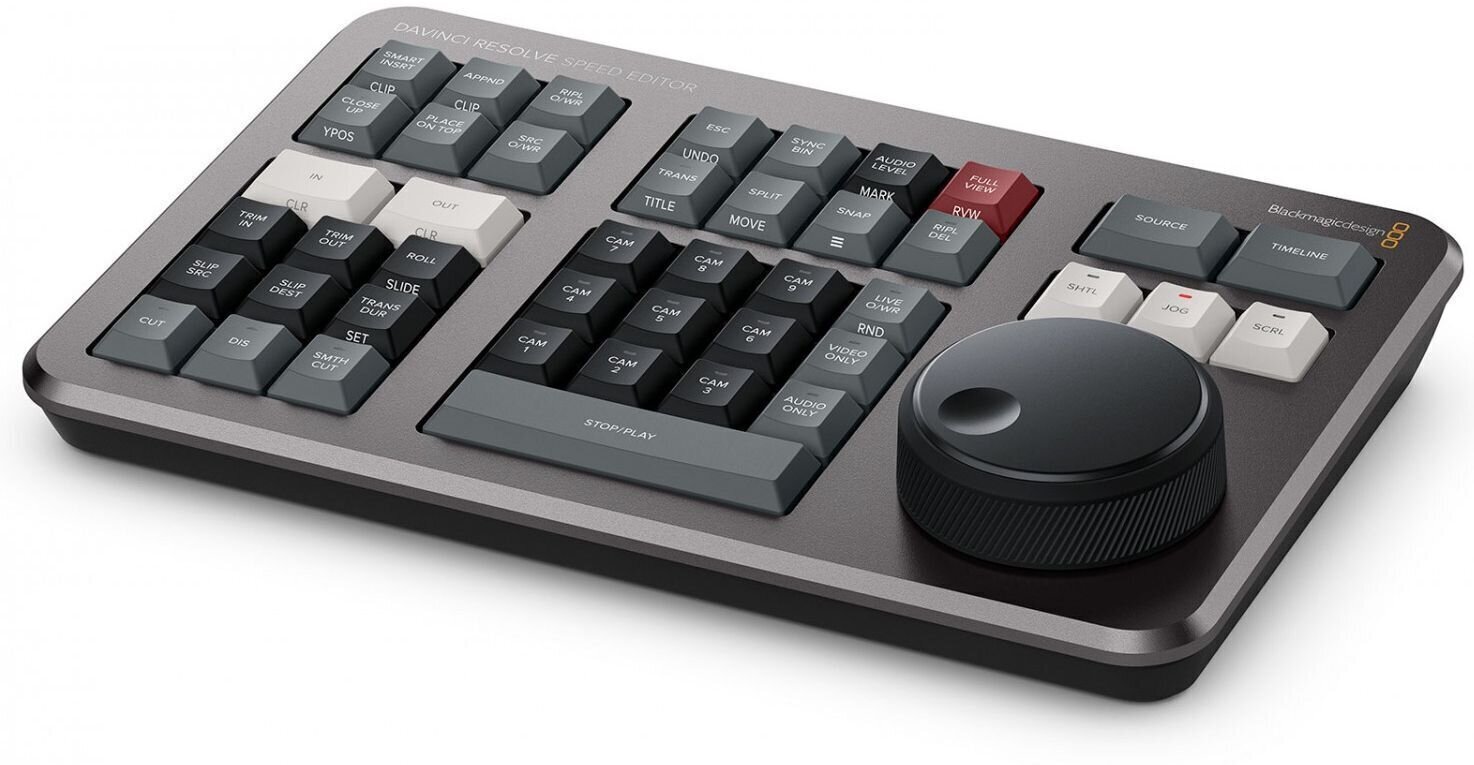
Blackmagic Design today announced DaVinci Resolve Speed Editor, a new keyboard for DaVinci Resolve's cut page that allows a new and dramatically faster editing solution that’s a combination of integrated hardware and software. This means the editor can work much faster because, unlike a mouse, the DaVinci Resolve Speed Editor has a control for each…
Blackmagic Design DaVinci Resolve Speed Editor Video/AV Mixer
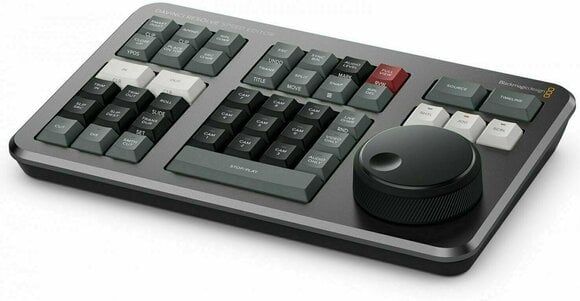
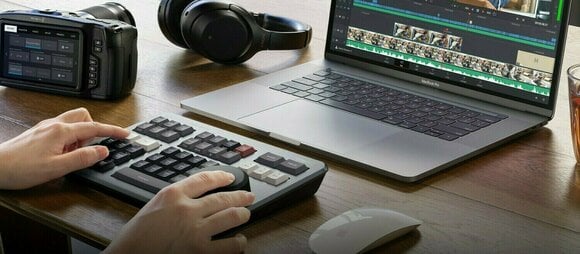
Blackmagic Design today announced DaVinci Resolve Speed Editor, a new keyboard for DaVinci Resolve's cut page that allows a new and dramatically faster editing solution that’s a combination of integrated hardware and software. This means the editor can work much faster because, unlike a mouse, the DaVinci Resolve Speed Editor has a control for each edit function and can perform multiple tasks at the same time. In addition, for a limited time, every customer who purchases DaVinci Resolve Studio from a Blackmagic Design reseller will get the DaVinci Resolve Speed Editor included free of charge!
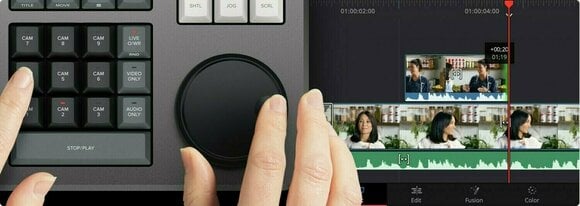
Traditional edit software uses thousands of clips to organize their media, so customers need to constantly click and drag clips to edit. That’s too slow for work such as TVCs, news, promos and training videos. However old tape based linear editing had the advantage of all media being played from a videotape, so customers could simply fast forward and rewind to see all their shots. Now the cut page has a modern version of the videotape and it’s called the "source tape". Simply push the source button and use the search dial to scroll through all their media. Plus, the current clip is highlighted live in the bin. After the edit the viewer will stay in the source tape so customers can move to the next shot faster.
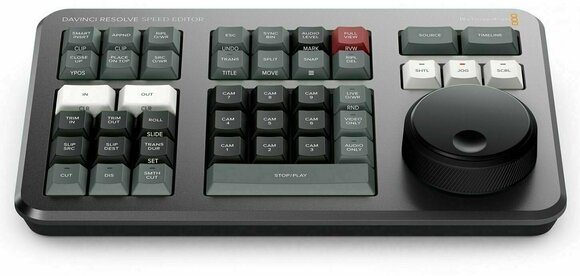
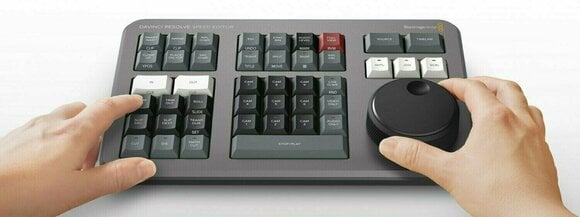
Entering in and out points is the most used function in editing, so the speed editor keyboard includes large in and out point buttons that customers can easily locate by feel. That’s perfect for two handed editing where users are using their right hand for transport control and their left hand is placing in and out points and performing edits. Customers can simply scroll along with the search dial and place in and out points anywhere customers want. Once the in and out points are set, just reach their fingers up to the edit function buttons to perform the edit. The in and out points can also be used to focus the source tape. Then customers can change the source tape back to the whole bin by pressing the escape key.
Editing with a keyboard is different to editing with a mouse, so the cut page editing functions have been upgraded to take advantage of the speed of a keyboard. The edit functions are intelligent and use the "smart indicator" in the timeline to work out where to insert, so most of the time customers don't need to place in or out points in the timeline to do an edit. They are located just above the in and out keys, so are easy to locate by feel. Plus each time customers edit, the cut page won't waste time switching over to the timeline, allowing customers to stay in the source tape and visually browse, placing clips continuously. That's much faster as customers can just keep throwing clips into the timeline.
DaVinci Resolve Speed Editor Features
Source tape allows faster clip searching.
Large trim in and out buttons.
New keyboard modes for intelligent editing.
Buttons to allow search dial to live trim.
Buttons to change transition type.
Integrated search dial control.
Keypad for direct timecode entry.
including DaVinci Resolve Studio
Traditional edit software uses thousands of clips to organize their media, so customers need to constantly click and drag clips to edit. That’s too slow for work such as TVCs, news, promos and training videos. However old tape based linear editing had the advantage of all media being played from a videotape, so customers could simply fast forward and rewind to see all their shots. Now the cut page has a modern version of the videotape and it’s called the "source tape". Simply push the source button and use the search dial to scroll through all their media. Plus, the current clip is highlighted live in the bin. After the edit the viewer will stay in the source tape so customers can move to the next shot faster.
Entering in and out points is the most used function in editing, so the speed editor keyboard includes large in and out point buttons that customers can easily locate by feel. That’s perfect for two handed editing where users are using their right hand for transport control and their left hand is placing in and out points and performing edits. Customers can simply scroll along with the search dial and place in and out points anywhere customers want. Once the in and out points are set, just reach their fingers up to the edit function buttons to perform the edit. The in and out points can also be used to focus the source tape. Then customers can change the source tape back to the whole bin by pressing the escape key.
Editing with a keyboard is different to editing with a mouse, so the cut page editing functions have been upgraded to take advantage of the speed of a keyboard. The edit functions are intelligent and use the "smart indicator" in the timeline to work out where to insert, so most of the time customers don't need to place in or out points in the timeline to do an edit. They are located just above the in and out keys, so are easy to locate by feel. Plus each time customers edit, the cut page won't waste time switching over to the timeline, allowing customers to stay in the source tape and visually browse, placing clips continuously. That's much faster as customers can just keep throwing clips into the timeline.
DaVinci Resolve Speed Editor Features
Source tape allows faster clip searching.
Large trim in and out buttons.
New keyboard modes for intelligent editing.
Buttons to allow search dial to live trim.
Buttons to change transition type.
Integrated search dial control.
Keypad for direct timecode entry.
including DaVinci Resolve Studio

Namena
Tip
Svojstva
Ekran
Ulazi i izlazi
USB
Napajanje
Radi na baterije
Ne
Napajanje
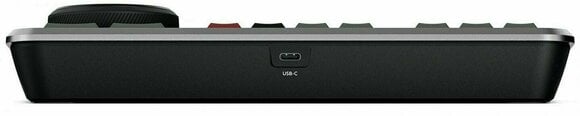
USB-C
Oprema
Adapter uključen
Ne
Država
Zemlja porekla
Kina


Dokumenti
Uputstva za korišćenje
Bezbednosna uputstva
Pogledaj uputstvo za upotrebu za detaljna bezbednosna uputstva za ovaj proizvod.


